Piano sight reading and ear training appLearn staff notes
on the piano keyboard.
Note Cards include stacks of up to three notes. There are also ear-training exercises where you listen to piano sounds and answer, and theory exercises on key signatures and intervals — 9 practice modes in all.


Free (with ads) · No account needed · iPhone / iPad / Android · 10 languages
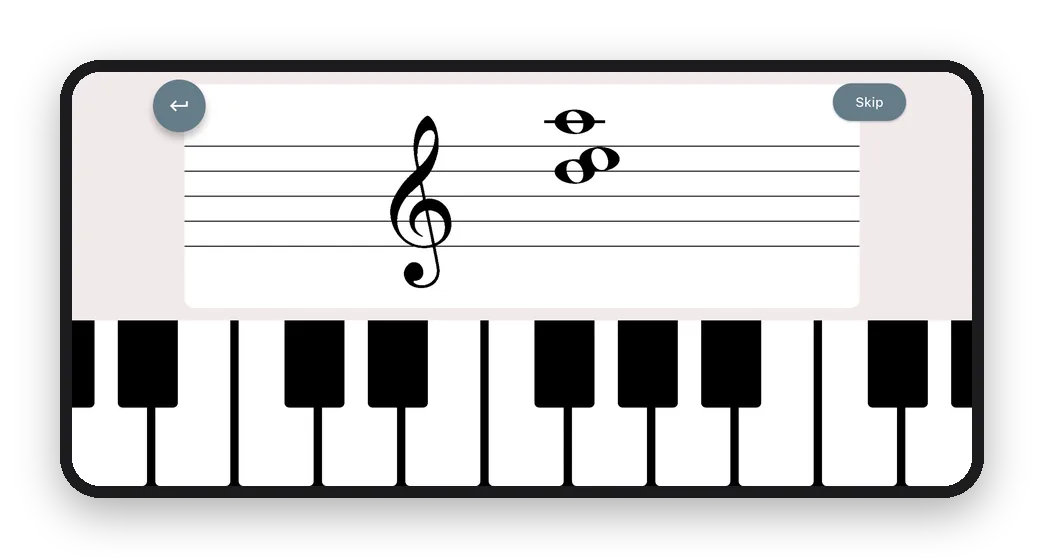
Try it with notes on the staff
Press the key that matches the note on the staff (you'll hear it play). From question 4, chords appear: press every note in the chord.
How a practice session works
- Pick a practice mode and start (some modes let you choose settings first)
- Answer one question at a time and see right away whether you're correct
- If you missed any, retry just those questions
- 9practice modes in reading, ear training and theory
- 3notes that can be stacked at once
- 12intervals to answer by ear
- 30keys to practice (major and minor)
9 practice modes
Three areas — reading, ear training and music theory — each with 3 practice modes.
Reading
- Note CardsRead notes on the staff and answer on the keyboard
- Note CalculationAdd up note values
- Time SignatureRead the time signature and choose the note or rest that completes the measure
Ear training
- Absolute PitchAnswer the notes you hear on the keyboard
- Relative PitchUse a reference note to find the target note on the keyboard
- Pitch IntervalHear two notes and pick the interval, from minor 2nd to octave (12 choices)
Music theory
- KeyIdentify the key from its key signature
- Related KeysName the parallel, relative, dominant and subdominant keys
- IntervalName the interval between two notes on the staff (major 3rd, perfect 5th…)
Feature 1
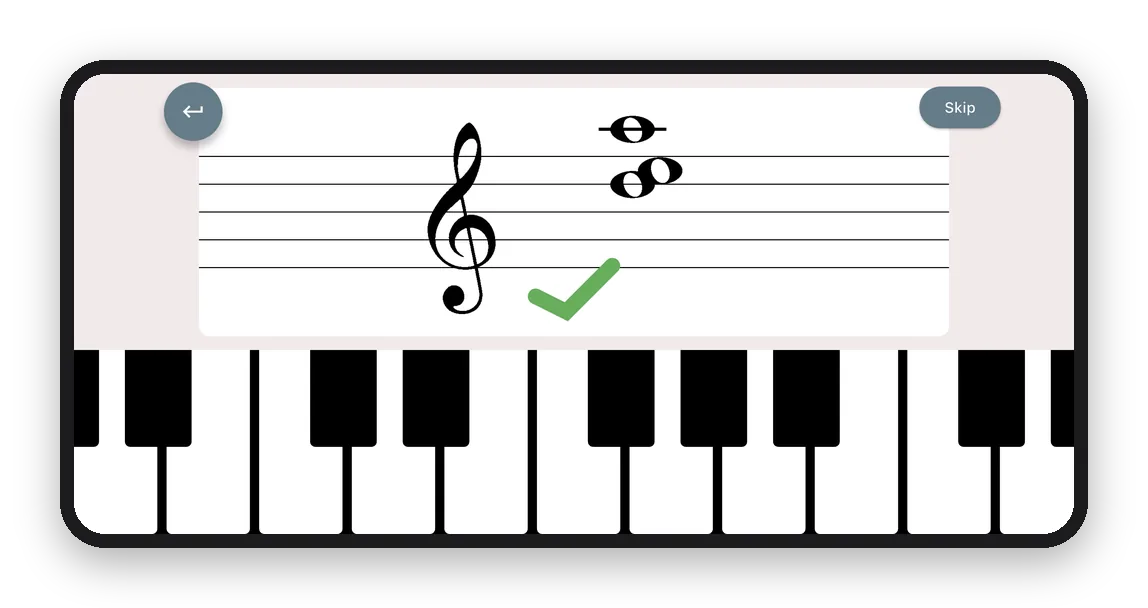
Chord reading on the staff
In Note Cards, choose how many notes appear on the staff at once: Single, Double or Triple. Get comfortable with single notes, then move on to two- and three-note questions. Go at your own pace.
Try it by ear
Press ▶ to hear two notes at the same time. Choose the interval between them.
Feature 2
Ear training: listen to the piano and answer
In Absolute Pitch and Relative Pitch, you listen to piano sounds and answer on the on-screen keyboard. In Pitch Interval, you hear two notes and choose the interval. You can also replay the lower and the higher note one at a time.
Feature 3
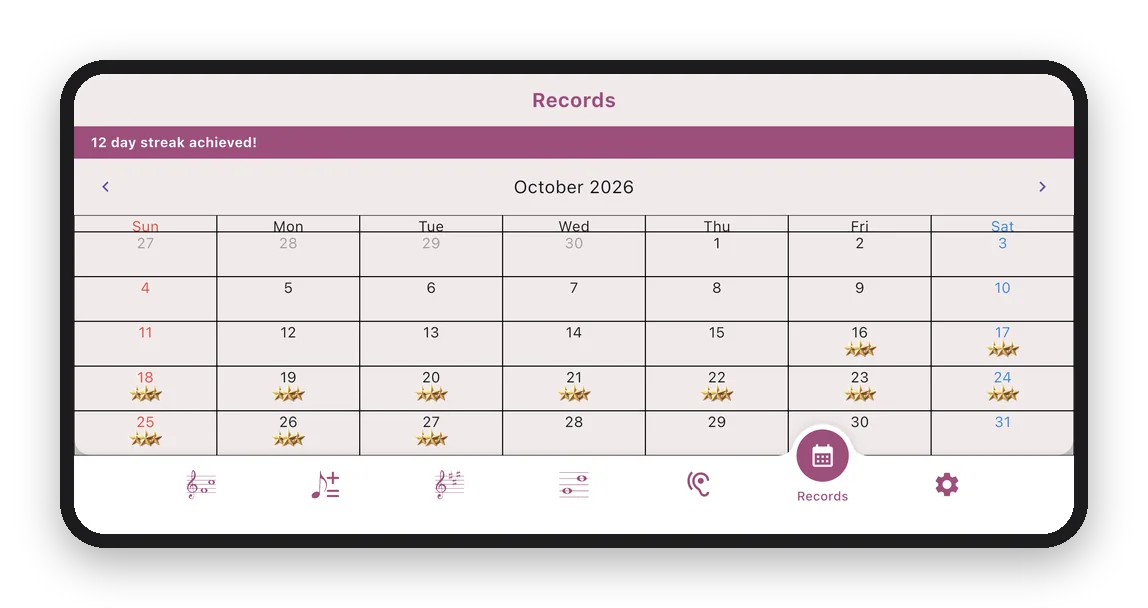
A record of practice days and accuracy
Days you practice are marked on the calendar, and your streak is shown. Tap a date to see that day's accuracy for each practice mode.
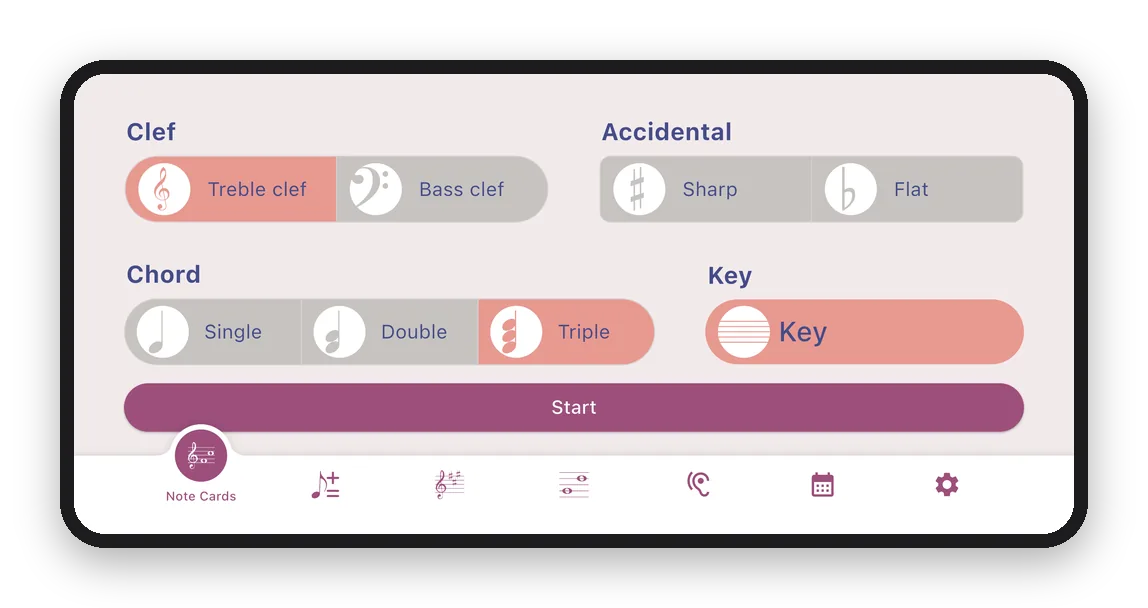
Set it to your level
- Clef: Treble clef, Bass clef
- Accidental: Sharp, Flat
- Key: choose the key signature on the staff
- Ear training: With Black Keys / White Keys Only, Absolute Pitch note count (1 Note, 2 Notes, 3 Notes), Relative Pitch reference (Fix to C / Random)
- Note Calculation: Easy, Hard
Perfect for
- Beginners who just started piano
- Adults starting piano later in life, and self-taught learners
- Intermediate players who struggle with chord reading
- Anyone practicing perfect or relative pitch
- Anyone reviewing music theory basics (also for music theory exam prep)
Learn music basics
Sight reading and music theory basics, explained with examples.
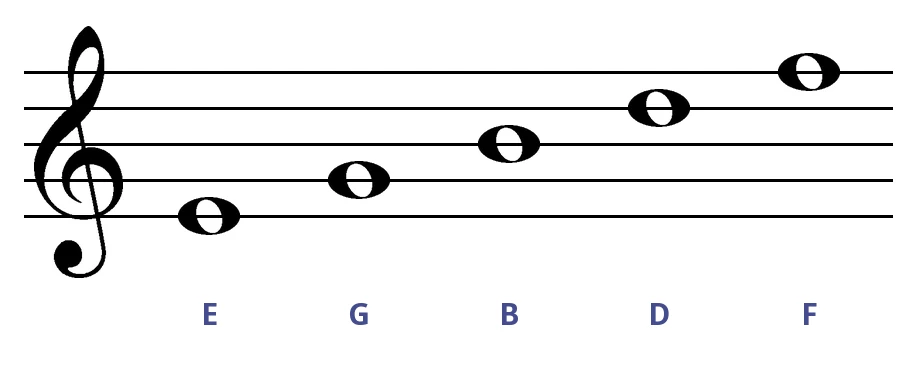 How to Read Sheet Music: Faster Note Reading in Treble and Bass ClefThe notes on the lines and spaces, landmark notes, and how to read chords by their shape — explained with examples for both treble and bass clef.
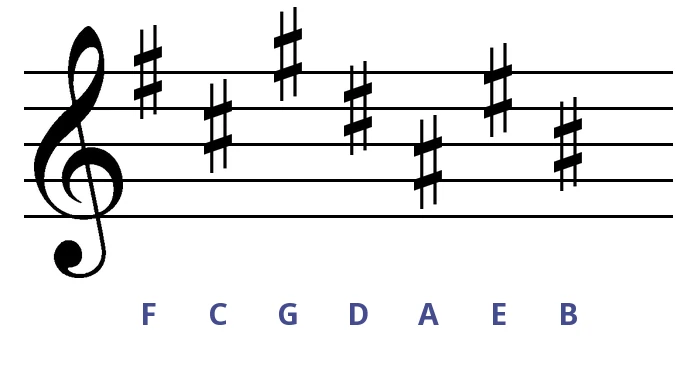 How to Memorize Key Signatures: The Order of Sharps and FlatsThe order in which sharps and flats appear, and how to find the major and minor key from a key signature — with examples and a full table.
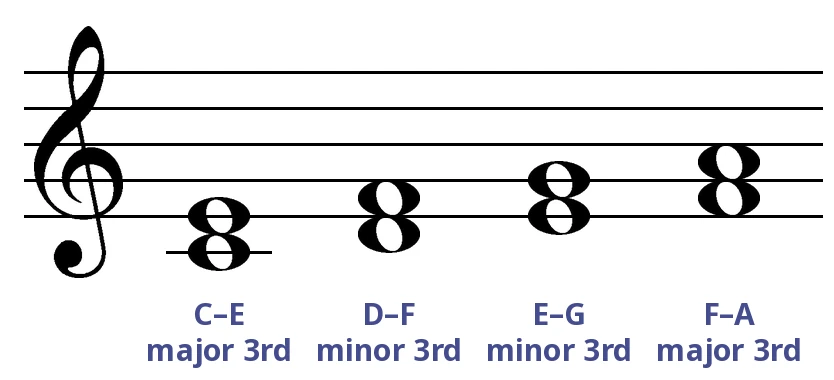 How to Count Intervals: Numbers and Qualities (Major, Minor, Perfect, Augmented, Diminished)Count any interval in two steps — the number and the quality — with staff examples and a table of half steps.
Why not give Vivo a try? It's free.
With ads · iPhone / iPad / Android
Scan with your phone camera to install